


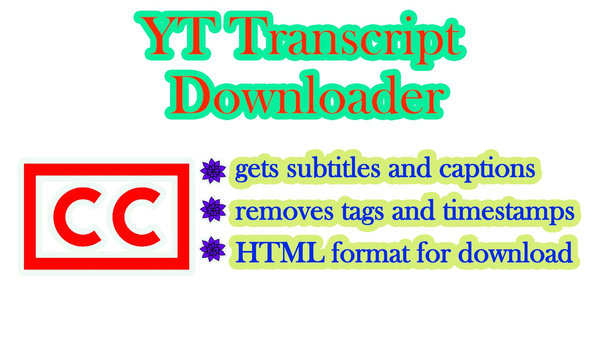
On this site, you may have already noticed the ability to download video, audio and photo materials from Youtube hosting, while our script also provides links to local mirrors - a function added in case googlevideo addresses are unavailable due to blocking. We decided to highlight the ability to receive subtitles in two clicks in a separate block - below read a detailed description and explanation of this function.
How it works
As you know, the Youtube service can decipher the text content of video files online, if they contain speech - when watching a video online, the text appears in the upper right corner, broken down by time code. We've made it so that everyone can download the transcript in a convenient HTML format with the content formatted so that it is a complete text without timestamps, extra spaces or punctuation.
How to use
You just need to paste into the form above the correct Youtube link, the URL of which contains the word “watch” or “shorts” - then the system will analyze it for the presence of subtitles and display the result. You can use both desktop and mobile versions of hosting - it doesn’t matter.
It is worth noting that sometimes authors do not trust video hosting to automatically transcribe the text and create it themselves, often in several languages - usually this technique is used by those vloggers who want to distribute their content as widely as possible. In this case, the link will be marked as “manual subtitles” - in other options, the system will find the original text in the language in which the video was dubbed and will offer to download it from the local server.
Product benefits
Our service is based on a stable library that allows you to get the desired result quickly and with a minimum number of technical problems. To increase the speed of work, we have removed all unnecessary formats that are unreadable - such as SRT, VTT or TXT. Our choice fell on HTML, since it is the use of the tag system that allows us to format the final version into one that will be as convenient as possible for the user. After downloading the file, you can copy its contents in two clicks and paste all or part of it into your document - however, it is important to remember that any content on the Internet may be copyrighted, so we advise you to always leave a link to the source.
Features and nuances of obtaining subtitles from YouTube
Sometimes the result may not be entirely accurate - in this case, it is worth taking into account that Youtube algorithms are responsible for correct voice recognition and its conversion into text, and our downloader has nothing to do with this. If you receive an empty result, the files are not downloaded, or the decryption is very different from what you expected, be sure to write to technical support - we will try to respond promptly and help correct the errors.
For users in a number of countries, the “YT transcript downloader” phone application is also available in the Huawei Appgallery catalog:

